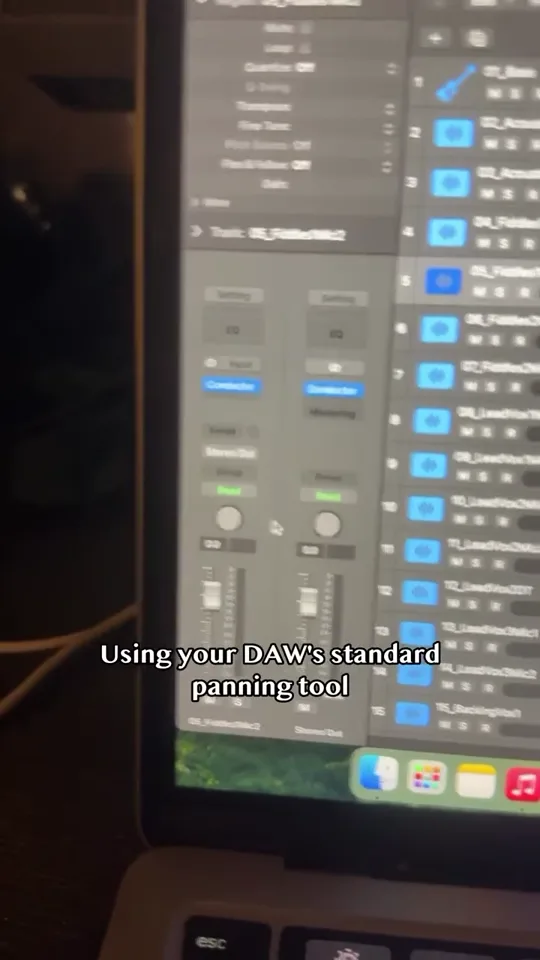
 0:51
0:51CONDUCTOR STAGE
Conductor Stage: Panning in Your DAW
Watch Levi Brooks demonstrate panning with Conductor Stage, Track 1 Audio’s spatial plugin for stereo placement and room perspective in your DAW.
Watch Conductor Stage: Panning in Your DAW ↗TRACK 1 AUDIO / DEVELOPMENT ARCHIVE
Watch an early explanation of reverb in Conductor Stage. Learn about the room perspective workflow and compare it with the current stable release.
Read video transcript ↓FROM @TRACKONEAUDIO
Explaining my plugin (in beta rn) and how reverb works in it
This clip was recorded during Conductor Stage’s development. It preserves the original demonstration and wording. Today’s public AUv2/VST3 release is stable. Use the current compatibility and release notes for supported workflows, including the limits of automatic separate-insert building. AAX is not included in public downloads.
READ ALONG
Automatically transcribed from the recording, with edits to punctuation and terminology. Unclear speech is marked. Music demonstrations are not transcribed as lyrics.
0:00A little, actually gonna do a little bit of reverb on these. So we're gonna enable the reverb, instead of using the native effects, we're going to use Pro-R 2, because it's just a better reverb plugin. Now, this plugin that I made, the Conductor, you can plug in whatever reverb you want, whatever compressor you want, and whatever EQ that you would like to use, except, it actually doesn't work with Pro-Q 4 right now, and it doesn't work with Pro-C 3 right now, whatever.
0:33Still working on that, but you just load them in and you set your own EQ, which is basically you're building the room with your EQ. So you build the room and then it'll analyze, basically it has a dry-wet algorithm. So you also set the baseline wetness. If you want the baseline wet to be zero, like at the microphone, it's zero reverb, and then the further you get back from microphone, you can set a maximum reverb amount as well.
0:59So it's like, you know, you want it only to be 50% wet, then it'll only be 50% wet, so on and so forth. So you'll see, I'll kind of walk through that a little bit, but basically, yeah, you're building the room itself. So that's why you have those different room options. You have the stage, you have the studio, you have an orchestral chamber type of thing, so all that stuff.
1:23So, let me drag it back in.
1:28No reverb.
1:33Wow, beautiful.
0:51CONDUCTOR STAGE
Watch Levi Brooks demonstrate panning with Conductor Stage, Track 1 Audio’s spatial plugin for stereo placement and room perspective in your DAW.
Watch Conductor Stage: Panning in Your DAW ↗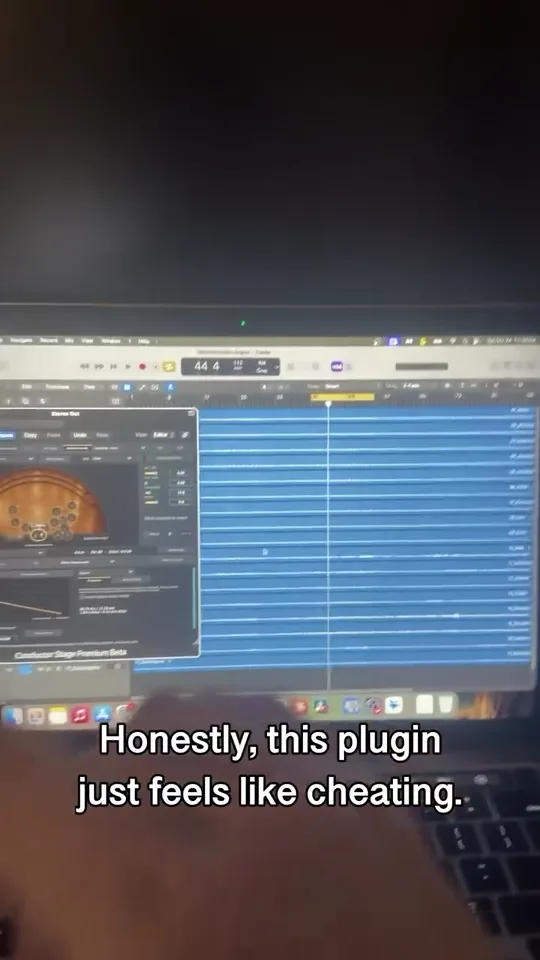 1:05
1:05CONDUCTOR STAGE
See Conductor Stage in this short introduction from Track 1 Audio. Explore a spatial plugin for stereo placement, room emulation and full-mix depth.
Watch Conductor Stage: Spatial Plugin Overview ↗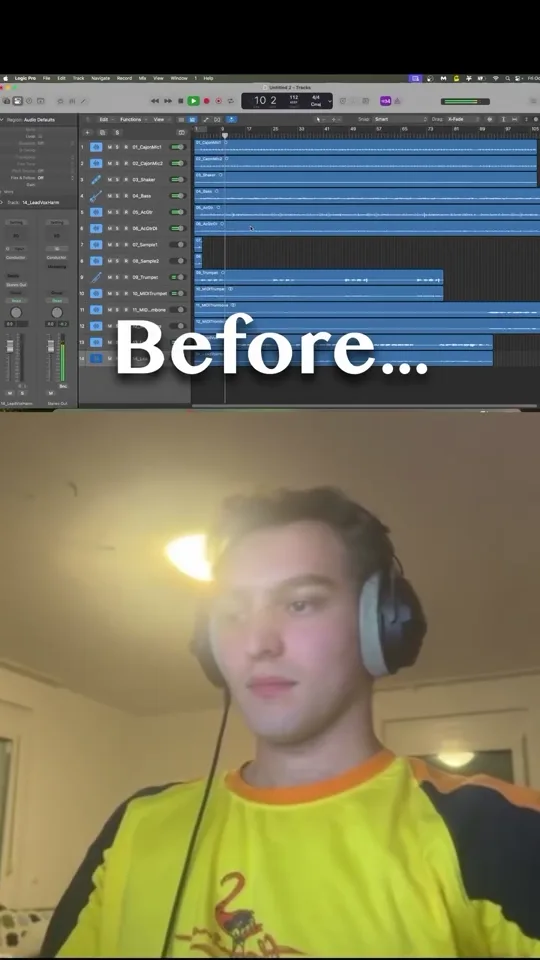 0:51
0:51CONDUCTOR STAGE
Hear a short stereo mixing example from Track 1 Audio. Use headphones or stereo speakers to compare the placement and room perspective in the clip.
Watch Conductor Stage: Stereo Mixing Example ↗