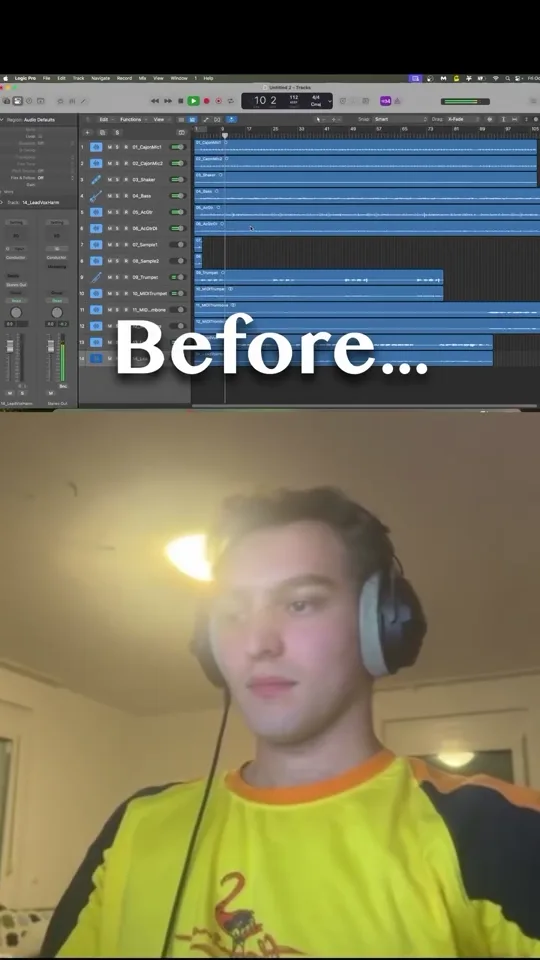
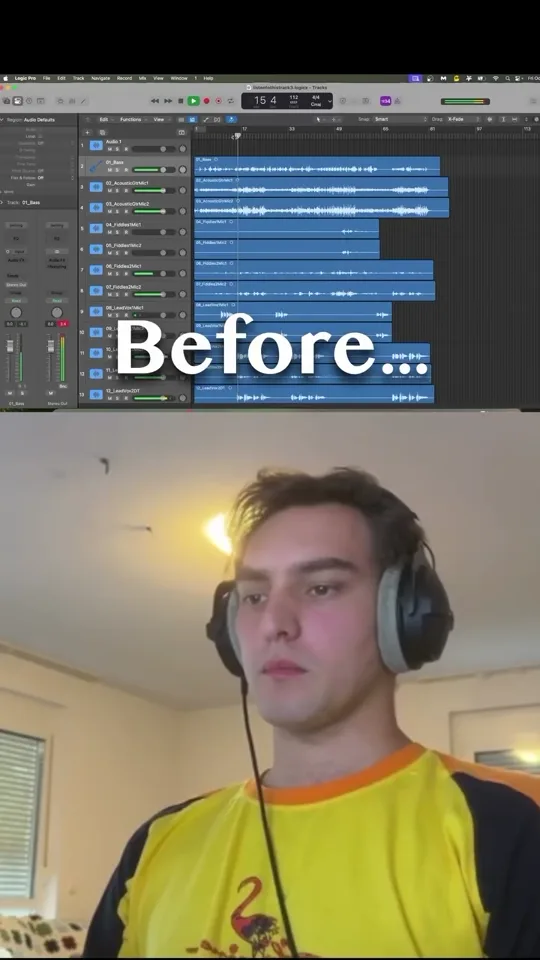
Automatically transcribed from the recording, with edits to punctuation and terminology. Unclear speech is marked. Music demonstrations are not transcribed as lyrics.
0:00Using your DAW’s standard panning tool doesn't actually do what you think it does. This dial right here is what we call balance control. It's not actual stereo panning. So it basically just lowers the volume of the other side. So if I go here, it's pulled the right side volume all the way down.
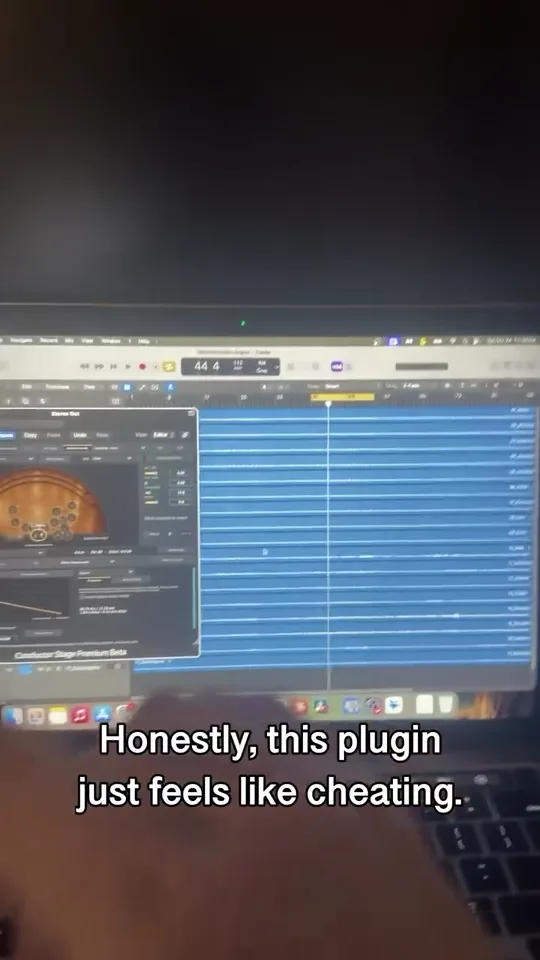
0:16And for the opposite, it's pulled the left side volume all the way down. And an easy solution to this is Conductor Stage, a plugin that I've developed that actually emulates an environment that you can put your instruments in. So if you plug all your instruments into the multitrack function, it'll take your mix from sounding like this.
0:37To sounding like this.
 1:05
1:05