 0:51
0:51CONDUCTOR STAGE
Conductor Stage: Panning in Your DAW
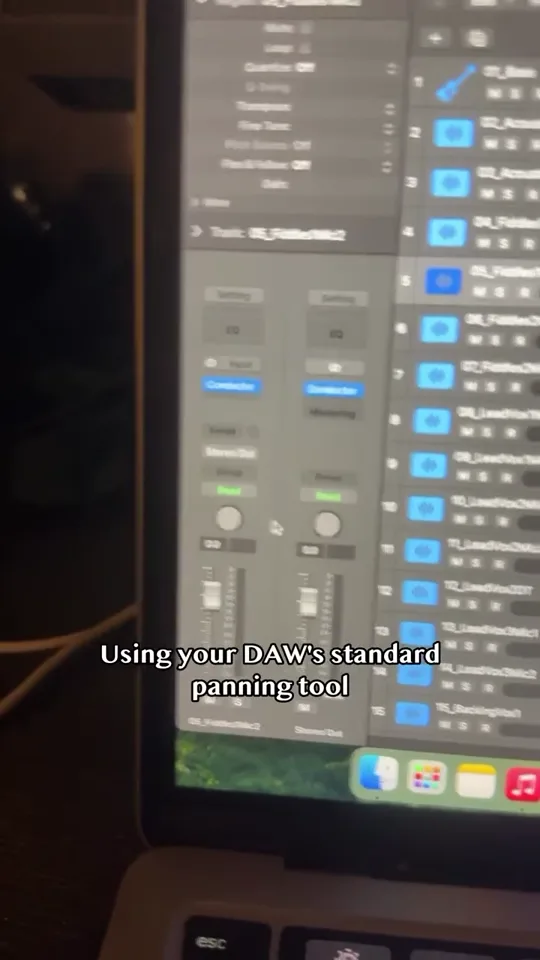
Watch Levi Brooks demonstrate panning with Conductor Stage, Track 1 Audio’s spatial plugin for stereo placement and room perspective in your DAW.
Watch Conductor Stage: Panning in Your DAW ↗TRACK 1 AUDIO / DEVELOPMENT ARCHIVE
Watch an early Conductor Stage demo from its beta development period. Explore the current stable spatial plugin, Free downloads and Premium features.
Read video transcript ↓FROM @TRACKONEAUDIO
Finally got my product to a stable beta level! Check it out at trackoneaudio.com
This clip was recorded during Conductor Stage’s development. It preserves the original demonstration and wording. Today’s public AUv2/VST3 release is stable. Use the current compatibility and release notes for supported workflows, including the limits of automatic separate-insert building. AAX is not included in public downloads.
READ ALONG
Automatically transcribed from the recording, with edits to punctuation and terminology. Unclear speech is marked. Music demonstrations are not transcribed as lyrics.
This is a development recording. Its testing requests and feature demonstrations describe that build, not the current release. AcoRhythm1 is the track name visible in the recording. One unclear word is marked.
0:00Or if you have Pro Tools, FL Studio, Ableton Live, I need some testers for a couple different builds. I need people to help me out with that, so send me an email, send me a DM, something like that, and we'll get you a copy of this plugin. Okay, I am back with a massive update.
0:15We have the DIY Guide build functionality completely working. So we're gonna stop the playback, come over to DIY Guide, AcoRhythm1, and then we're gonna build this track, and I'm gonna put my hands up, let the mouse do its thing. Boom, there we go. So now we have our own chain. So I know it sounds the same, but Conductor Stage is completely off right now in Conductor Stage we have this bypassed so we'll hit Enable Stage. So that's how it sounds. Bypass, it comes back to the normal raw sound. Power that off, and there it is. Now the reverb does sound a little bit different I'll be honest because we're going to the stock plug-in reverb, but what this allows you to do is you can get more precision with the chain that you want to add to whatever sound it is that you're working with, whether it's vocals, instrument, whatever. You get more precision, you could even use more specific plugins. Not every plugin is compatible with Conductor Stage right now, so if you want a specific plugin for your reverb that doesn't work with Conductor Stage, then you can do it. You can also add your own plugins to Conductor Stage and have those be applied to the track.
1:29All right, so we're gonna look for Pro-R 2 in the P section. Where are we? Pro-R 2? Load that [unclear] in there. Just Let's see. Well, just leave it at like the default thing with that and then pump that mix up to like 60 60 or 70. So I just built the room. Save that plug-in.
1:52Yeah, that is beautiful. Okay, save that, turn that off, and then apply that to Lyrical 4. So we'll jump back to the DIY Guide, Lyrical 4, and switch from Snapshot to Separate Inserts. Build this track, let it go. Oh, it needs the, it needs to be able to see it.
2:21Boom, there you go. Now we have two tracks that have been built by Conductor Stage.
2:34Wow. So let's hear that without all of these effects. So this is a huge win for the beta build. Been working on this for like three days trying to figure out how to fix that one problem. Please check out the plug-in. Send me an email. I need some testers for a couple different, you know, builds, Windows builds, Pro Tools, so on and so forth so if you have a Windows computer.
0:51CONDUCTOR STAGE
Watch Levi Brooks demonstrate panning with Conductor Stage, Track 1 Audio’s spatial plugin for stereo placement and room perspective in your DAW.
Watch Conductor Stage: Panning in Your DAW ↗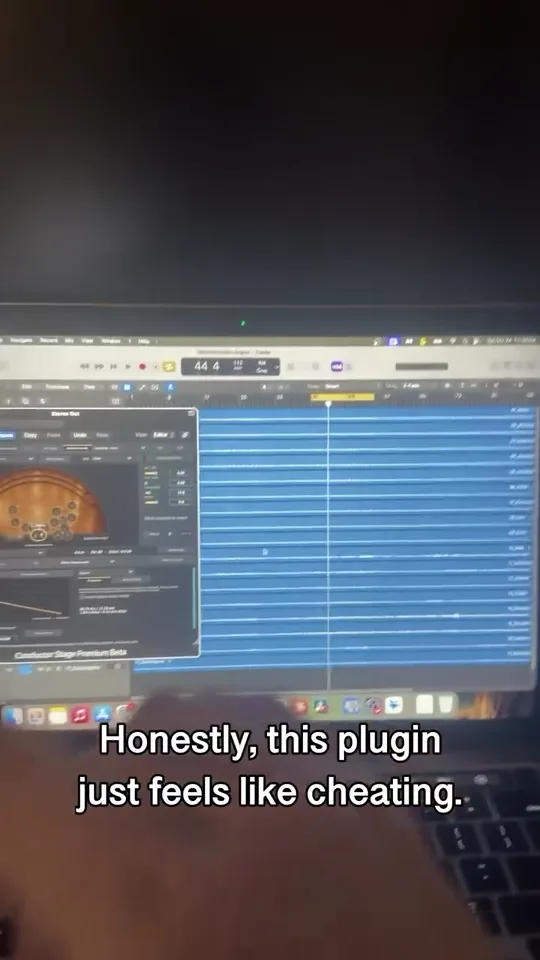 1:05
1:05CONDUCTOR STAGE
See Conductor Stage in this short introduction from Track 1 Audio. Explore a spatial plugin for stereo placement, room emulation and full-mix depth.
Watch Conductor Stage: Spatial Plugin Overview ↗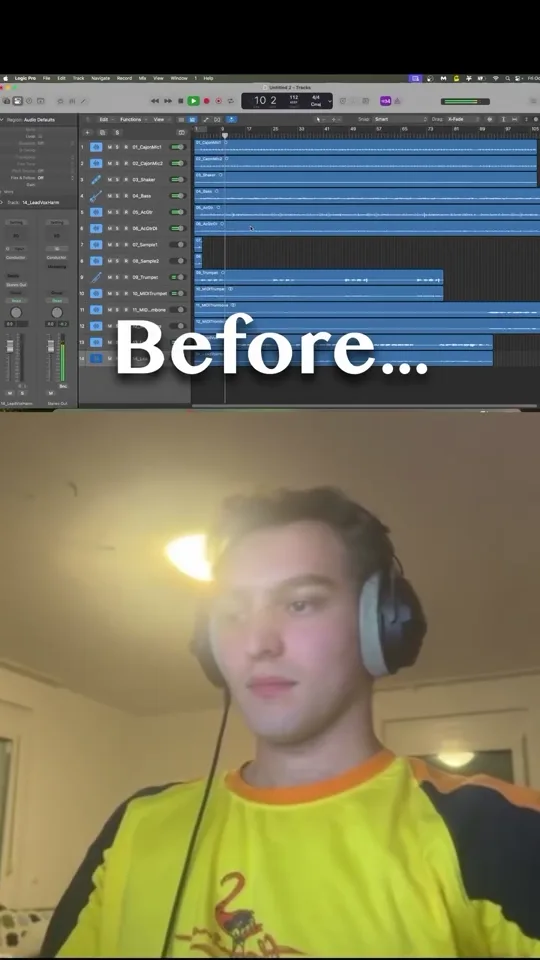 0:51
0:51CONDUCTOR STAGE
Hear a short stereo mixing example from Track 1 Audio. Use headphones or stereo speakers to compare the placement and room perspective in the clip.
Watch Conductor Stage: Stereo Mixing Example ↗